
Your microwave spends roughly 70 hours actually heating food over the course of an entire year. The other 8,690 hours, it sits plugged in doing nothing except powering a clock you probably don’t use – and drawing electricity the whole time.
That’s not a quirk of one particular brand. Even when devices are off or in standby mode, they still use power, known as “phantom loads” or “vampire electricity.” The microwave is just one of the most vivid examples of how this works: a machine purchased specifically to heat things is spending 99% of its plugged-in life as an expensive clock. Leaving a few appliances plugged in may not seem like a big deal, but the costs can add up – according to the U.S. Department of Energy, standby power accounts for as much as 5% to 10% of residential energy use, and homeowners could save $100 to $200 each year on utility bills by unplugging devices that aren’t in use.
The question isn’t really whether unplugging appliances saves energy. It’s mostly true that devices when not in use can save energy. As a general practice, unplugging household electronics instead of just turning them off saves electricity. The more useful question is which devices are worth the effort, which ones you should leave alone, and whether smarter tools can do the work for you. The answer depends on the appliance – and some of the results are genuinely counterintuitive.
Alan Meier, a senior scientist at Lawrence Berkeley National Laboratory, noted that most devices in 2025 used less power in standby mode than earlier versions, while some – like smart devices – now draw more power to connect to networks. That’s the updated picture: across the board, the energy landscape has shifted. Some of your appliances are eating more power in “off” mode than they did a decade ago. Here are the 12 devices most worth paying attention to.
1. The Microwave
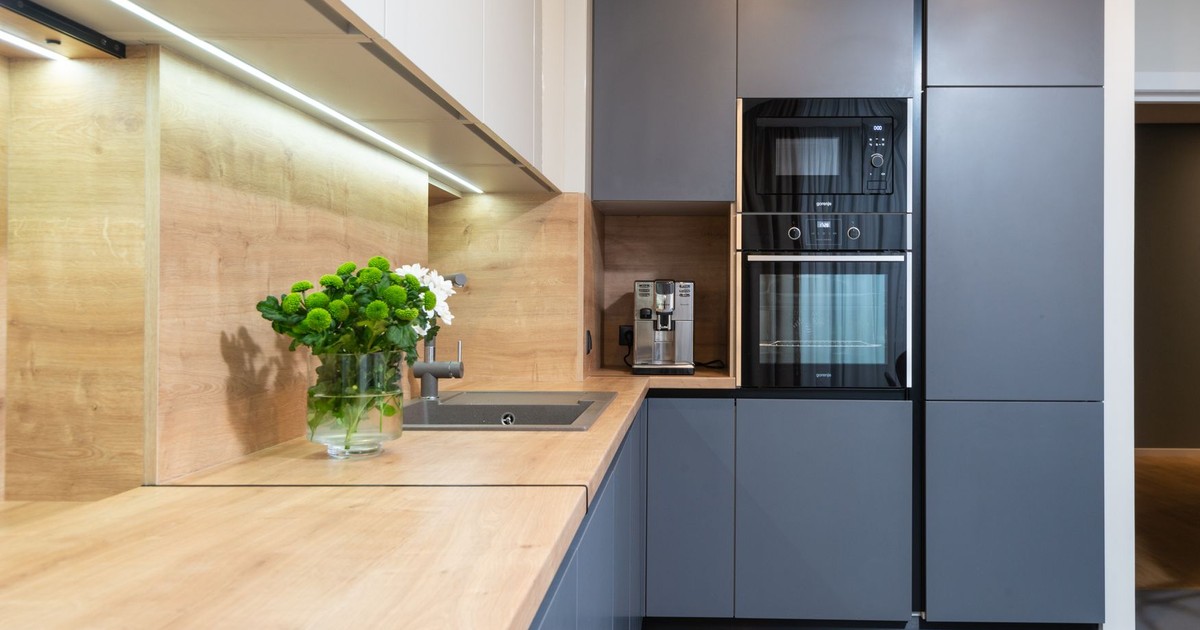
Even when devices are off or in standby mode, they still use power – and the microwave is one of the most common culprits. Microwaves fall squarely into the category of kitchen appliances with digital clocks that draw power continuously. The math here is stark: a typical unit spends just about 70 hours heating food over the entire year, while running its clock and controls for the remaining 8,690 hours. That’s a consumption profile built almost entirely around standby.
If a microwave ever becomes very hot to the touch, it may be malfunctioning. You should unplug it immediately and replace it to prevent any potential fire hazard. Even a normally functioning unit draws 2 to 7 watts in standby mode continuously, adding $4 to $10 per year per unit – a number that sounds small until you account for every appliance doing the same thing simultaneously. Standards introduced in 2016 require new microwave models to cap standby consumption at 1 watt or less, but older units are under no such constraint.
As of 2020, more than 96% of US households owned a microwave, meaning this is one of the single highest-impact items on this list in terms of collective national energy waste. The practical fix is simple: unplug it when you leave the house for more than a day, or use a smart plug to cut power overnight.
2. Cable Boxes and DVRs

Cable boxes are among the most energy-inefficient devices in the modern home, not because of what they do when you’re watching TV but because of what they do the rest of the time. According to data cited by Family Handyman, cable box standby power usage averages 16 watts – and when left idle for 20 hours a day, that works out to 116.8 kWh consumed annually, just sitting there.
Digital cable and satellite boxes, especially those with a DVR, constantly use power to update program guides and prepare for scheduled recordings. This is an intentional design choice: the box needs to stay partially active to download schedule data and record any programs you’ve set in advance. If you don’t use the DVR recording function, you’re paying for that capability every hour of every day regardless.
The straightforward solution is a smart power strip that cuts power to the cable box when the TV is off. If you do use DVR recordings, check your box’s settings – many allow you to specify a “deep sleep” window during hours you’d never record, which meaningfully reduces consumption without disrupting scheduled recordings.
3. Gaming Consoles

Most modern gaming consoles have a “rest mode” that allows for fast start-ups and background game updates. That convenience comes at a cost. Many gaming systems draw 50 to 100 or more watts in standby mode specifically to maintain saved game states, download updates, and stay ready to launch instantly.
That standby draw is orders of magnitude higher than most other devices on this list. A console left in rest mode around the clock can cost several dollars per month on its own. The fix isn’t to unplug it entirely every time – that defeats the convenience – but to check the console’s power settings and select the lowest standby option, then physically unplug it during extended periods away from home.
According to Lawrence Berkeley National Laboratory, if a device draws 1 watt constantly for a year, its energy consumption reaches 9 kWh annually, costing about $1.20. A console drawing 50 watts in rest mode scales that cost to roughly $60 per year in standby power alone – before you’ve played a single game.
4. Televisions
Turning the TV off with the remote doesn’t mean the TV is off. Instead of shutting down completely, many modern electronics go into a standby mode to power functions like a digital clock or to wait for a signal from a remote. Your television must continuously power a sensor to receive that remote signal, which means it’s drawing electricity every moment it’s “off.”
ENERGY STAR certified televisions consume 3 watts or less when switched off, compared to standard TVs that average close to 6 watts. That difference compounds over 8,000-plus “off” hours per year. The practical action here is to plug your television into a power strip and switch the strip off when you go to bed – it takes three seconds and cuts standby consumption entirely.
If you’re buying a new TV, the ENERGY STAR label directly reflects standby efficiency. Prioritizing it over marginal picture-quality differences between similar models can shave a measurable amount off your annual bill over the TV’s 7-to-10-year lifespan.
5. Phone and Tablet Chargers
The individual impact of a phone charger left plugged in without a device is genuinely small. A single charger’s standby consumption is typically 0.1 to 0.5 watts. That translates to less than $1 per year for a single charger – an amount most people would reasonably ignore.
The catch is the word “single.” The average American household has 5 to 10 chargers, and many remain plugged in continuously. At that scale, idle chargers start contributing meaningfully to the total phantom load. Leaving phone chargers plugged in is generally not dangerous, but it can waste electricity and pose minor risks. Most modern chargers consume a small amount of power when idle, but older or damaged ones can overheat or cause short circuits.
The target isn’t modern chargers for current devices – those are low-impact enough to deprioritize. The real wins come from auditing your charger drawer: any charger that’s warm to the touch when nothing is attached is drawing more than it should, and any charger more than five years old is worth retiring regardless of whether it still technically works.
6. Laptop Chargers
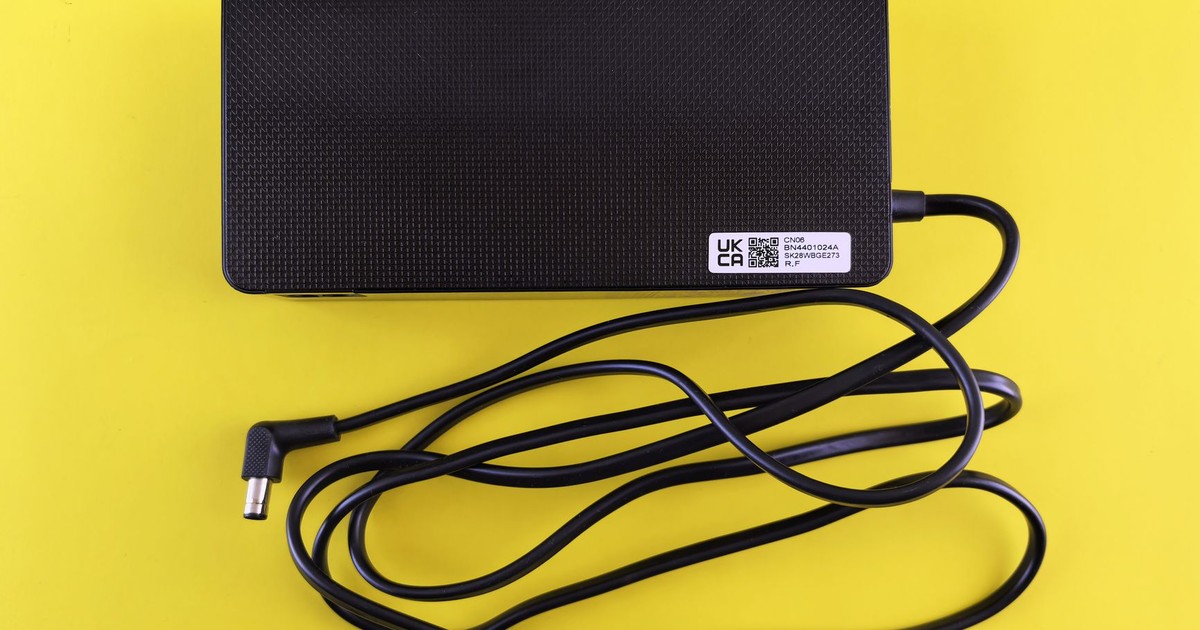
Laptop chargers occupy a different category from phone chargers. According to Berkeley Lab testing, cell phone chargers in no-load mode consume around 0.26 watts, while laptop chargers consume 4.42 watts in the same condition. That’s a 17-fold difference – enough to make a laptop charger left plugged in all day behave more like a small appliance than a passive cable.
A fully charged phone plugged into the wall consumes about 2.24 watts. A charged laptop still plugged in consumes 29.48 watts – 66% of the power it used while actively charging. That number applies even when the laptop lid is closed and the machine appears fully inactive. If your laptop sits docked at a desk most of the day, disconnecting the charger when the battery is full can make a noticeable difference over the course of a year.
The practical habit here is to charge to full, then unplug the brick from the wall – not just disconnect the laptop. The transformer in the brick continues drawing power even when no device is connected, and an idle brick that feels warm to the touch is converting that electricity directly into heat with no productive output.
7. Desktop Computers and Printers
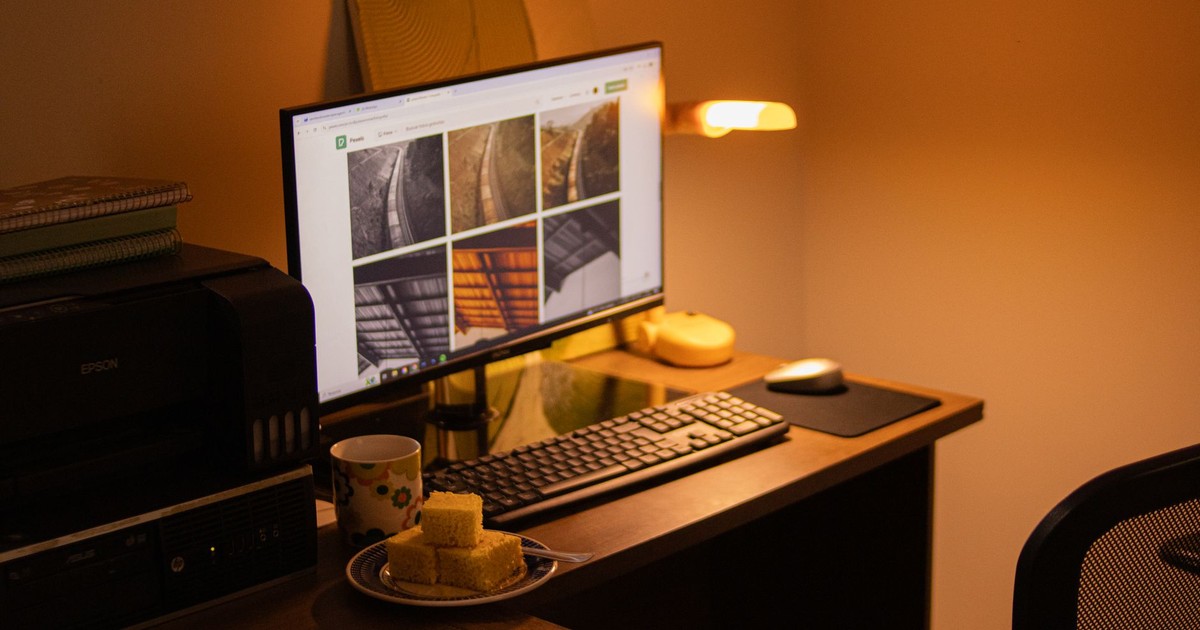
Desktop computers in sleep mode and printers left in a ready state are common sources of wasted energy. A desktop computer in sleep mode can draw anywhere from 2 to 25 watts depending on the model and sleep depth. A laser printer in standby draws between 30 and 35% of its peak power requirements while waiting for a print job that may never come.
These items use less power individually, but their combined total becomes significant because most homes have so many of them. A home office setup – desktop, two monitors, a printer, external hard drives, and speakers – can easily account for 30 to 50 watts of continuous standby draw, adding up to more than $40 per year before anyone has sat down to work.
The simplest fix for a home office is a single switchable power strip that kills all peripherals in one motion at the end of the workday. Monitors and printers are the highest-priority targets; they offer the best return per outlet unplugged.
8. Coffee Makers

A coffee maker left plugged in all day uses energy to power internal clocks and sensors. Models with programmable timers, digital displays, and keep-warm plates draw power around the clock to maintain those functions – even if the carafe has been empty for six hours. The keep-warm function is particularly wasteful: it cycles the heating element on and off continuously to hold the plate temperature, consuming energy with no coffee on it.
FEMA explicitly recommends unplugging small appliances when not in use – and the coffee maker is at the top of that list. The fire prevention angle here matters independently of the energy savings: small kitchen appliances left plugged in are among the most common sources of residential electrical fires.
The fix that works for most households is to unplug the coffee maker immediately after the morning brew. If a programmable start time is important to you, a smart plug with a schedule accomplishes the same thing while ensuring the machine is off the rest of the day.
9. Older Appliances

Age matters independently of usage. Older appliances – those more than 10 years old – can consume 15 to 25% more electricity than newer models, driven by component degradation over time rather than design differences alone. An older microwave, for instance, draws more in standby not because it was built to do so but because its internal components have worn down and become less efficient at their basic functions.
This applies to any appliance with electronic controls that has been in service for a decade or more. The degradation is gradual and invisible – your appliance still works, so nothing prompts you to reassess it. But an older unit running 24 hours a day in standby is costing meaningfully more than the same unit did when new.
The decision point here is whether the annual energy cost of running an old appliance in standby justifies keeping it. A decade-old microwave that costs $10 more per year to run than a current model may not warrant immediate replacement. One that’s 15 years old and running 20% less efficiently on a higher standby draw changes that math. Checking the wattage label on older appliances and comparing to current equivalents takes about two minutes and can inform a genuinely useful replacement decision.
10. Wi-Fi Routers and Modems
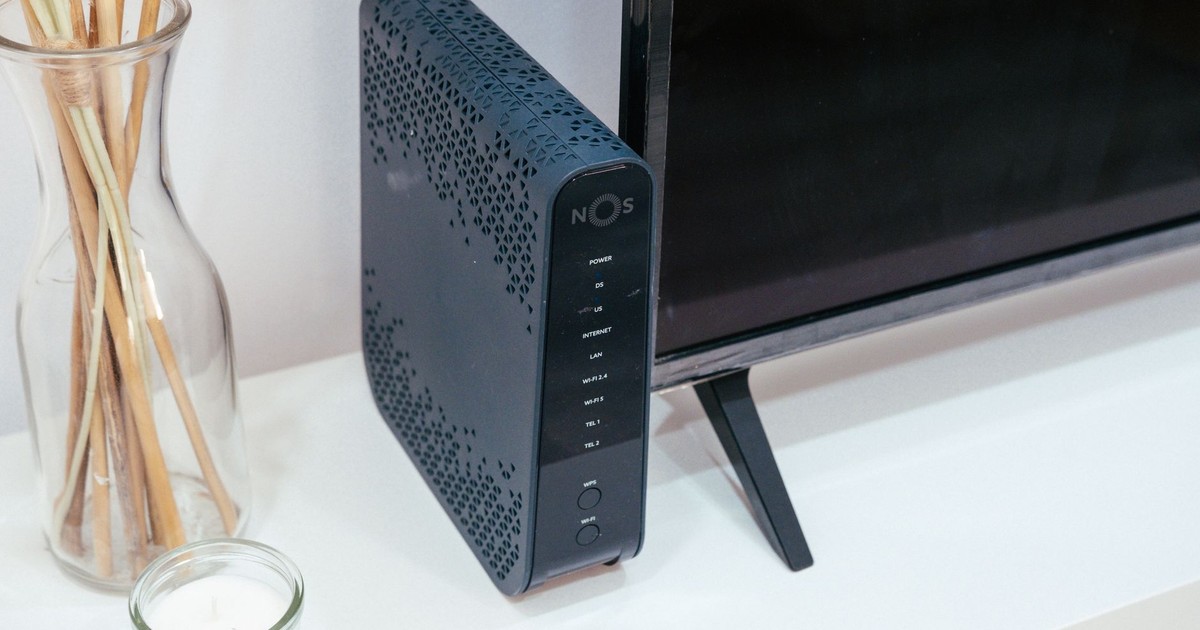
Routers and modems are the appliances most people never think to unplug – and for good reason during the day. But they run 24 hours a day, 365 days a year, drawing between 6 and 20 watts depending on the model. A router drawing 10 watts continuously costs roughly $10 to $12 per year based on the Lawrence Berkeley National Laboratory’s standby cost calculation of about $1.20 per watt per year.
Senior scientist Alan Meier at Berkeley Lab also noted that smart devices now draw more power to maintain network connections, and that an increasing proportion of lamps and smart home devices draw power in standby. Routers enable all of that: they’re the hub that keeps every smart home device connected around the clock, which means their effective energy cost extends beyond their own wattage.
Unplugging a router overnight won’t save as much as cutting a cable box or gaming console, but it’s worth considering if you travel frequently. A router left running for two weeks while you’re away contributes several kilowatt-hours to your bill without serving any function. A simple outlet timer set to your sleeping hours can also reduce the router’s operating time without requiring any manual action.
11. Smart Speakers and Always-On Displays
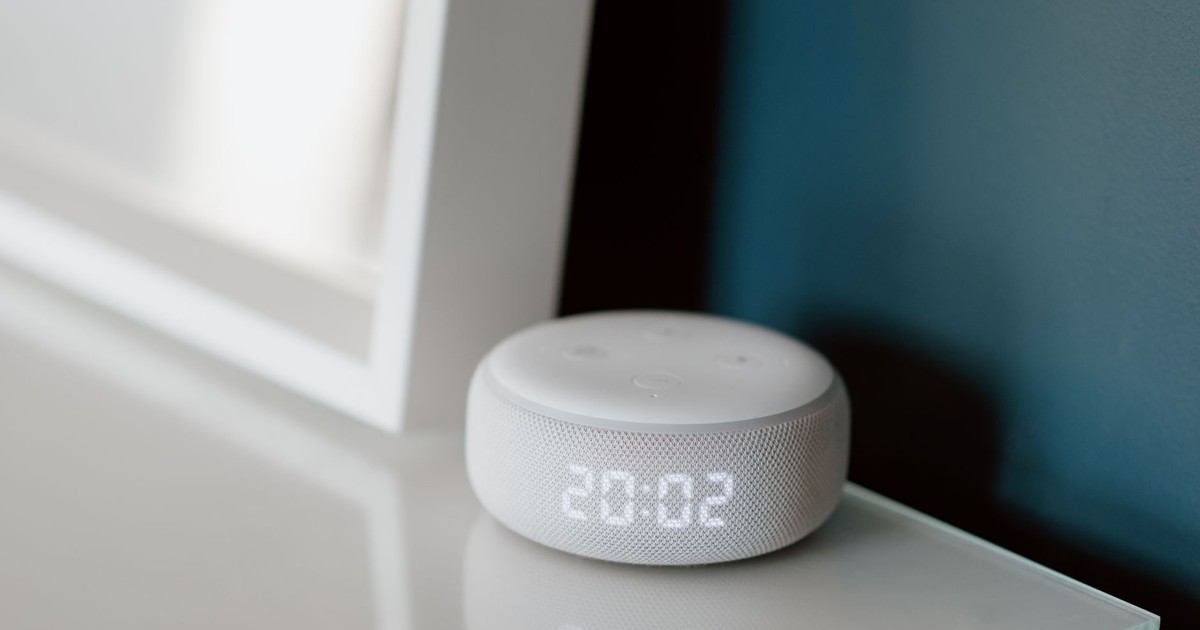
Smart speakers – devices like Amazon Echo and Google Home – are designed to be always-on by definition. They listen for a wake word continuously, which requires constant low-level power. Smart home speakers and digital photo frames are among the devices that are essentially always on. A typical smart speaker draws 1 to 3 watts at idle, which sounds trivial but translates to 9 to 26 kWh per year per device.
The issue scales with how many you own. A home with four or five smart speakers distributed across rooms is paying $10 to $20 per year in standby power just to keep those devices ready for voice commands. Digital photo frames with Wi-Fi connectivity compound the problem – they stream content continuously and can draw 10 to 15 watts around the clock.
The practical approach isn’t to eliminate smart speakers but to use the mute button on the microphone when you’re away for extended periods, and to unplug digital photo frames when no one is home to see them. If a display is in a room you rarely use, it’s worth asking whether the convenience justifies its continuous draw.
12. Blenders, Toasters, and Small Countertop Appliances

Not all small appliances are equal on this front. Some appliances use no power when turned off. These are typically simpler items with a true mechanical switch that physically cuts the electrical circuit – including basic toasters and blenders with a dial. Unplugging a mechanical toaster saves nothing. The same is not true of a toaster oven with a digital timer, a blender with a programmable display, or an electric can opener with LED indicators.
Kitchen appliances like coffee makers, microwaves, blenders, and food processors are especially common culprits for phantom power consumption. They’re often plugged in 24/7 for convenience but used only a few minutes each day – or even less. The distinguishing feature is the display: if a small appliance has a clock, a digital readout, or a standby light, it’s drawing power. If it has only a rotary dial or a simple mechanical toggle, it’s not.
A quick audit of your kitchen counter will reveal which appliances have displays and which don’t. The ones with glowing numbers or indicator lights are the candidates for unplugging or smart-plug management; the purely mechanical ones can stay as-is. This distinction makes the whole practice much more targeted – and far less inconvenient.
Read More: Best Washer and Dryer Brands 2026: Most Reliable Picks
What to Do Now
Smart power strips can reduce power use by as much as 30%, and they require no ongoing behavior change once installed. Plugging your entertainment center – TV, cable box, gaming console, and sound system – into a single smart strip that powers down when the TV goes off is the highest-return upgrade most households can make. A study of two different smart strip products installed in a home entertainment center measured annual savings of 244 to 264 kWh, which translates to roughly $30 to $40 per year from a single power strip.
The devices that deliver the most savings from unplugging appliances for energy reduction are, in order: gaming consoles in rest mode, cable boxes and DVRs, desktop computer setups, laptop chargers, and microwaves – particularly older models. According to the U.S. Department of Energy, reducing standby power by unplugging unused devices could save the average American household around $100 to $200 annually. At the higher end of that range, that’s the equivalent of one to two months of electricity bills recovered from devices you weren’t actively using. For a fire safety bonus, FEMA recommends specifically unplugging small appliances when not in use – a habit that serves both your electricity bill and your home’s safety simultaneously.
Disclaimer: This information is not intended to be a substitute for professional financial advice, investment advice, tax advice, or legal advice, and is provided for informational purposes only. Always seek the guidance of a qualified financial advisor, accountant, or other licensed professional regarding your personal financial situation or investment decisions. Do not make financial, investment, or tax decisions based solely on information presented here. Past performance is not indicative of future results, and all investments carry risk, including the potential loss of principal.
AI Disclaimer: This article was created with the assistance of AI tools and reviewed by a human editor.
Read More: 3 Appliances You Should Never Plug Into GFCI Outlets